Download Clinic Appointment Scheduling App for PC
Eliminate front desk chaos and optimize waiting room traffic. Smart desktop medical scheduler to book patient visits, coordinate queues, and manage doctor calendars fully offline.
PharmacyPlus Desktop is designed for Windows PC. You can send the download link to your pharmacy PC via WhatsApp or try the cloud version directly on your mobile.

Reliable clinic appointment calendar and patient queue app for Windows
100% Free Evaluation Download
Test all POS and FEFO inventory features on your PC with zero upfront fees
100% Offline Pharmacy Operation
Counter sales never stop during internet outages; full local database engine.
Verified Safe Windows Installer
Clean, malware-free setup bundle verified for Windows 10 & 11 PCs
Zero-Latency Barcode Scanning
Instant local database response during peak pharmacy counter hours
One-Time Lifetime License
Own the permanent activation key once (2,000 EGP / $100) with zero monthly fees
No Credit Card Required
Download the installer immediately and test the drug catalog and POS
Key Pharmacy Operational Benefits
Instant Booking Speed
Enables receptionists to register and schedule a client in under 3 seconds with native database write operations.
No Internet Dependency
Your appointment book stays online even when the internet is offline, keeping clinic check-ins active.
Smoother Patient Experience
Enhance practice reputation by reducing check-in friction and organizing patient order sequence.
Complete Offline Pharmacy POS & Inventory Features
Everything you need to run barcode checkout, FEFO expiry tracking, generic substitution, and supplier ledgers in one local Windows database application.
Offline Barcode Pharmacy POS
High-speed barcode checkout for packs or strips with split-tender payments (cash/card/wallet/insurance) and local shift Z-reports.
FEFO Batch & Expiry Tracking
Track batch numbers and expiration dates with automatic First-Expired-First-Out (FEFO) dispensing and 30/60/90-day alerts.
Generic & Therapeutic Substitution
Instantly find in-stock generic equivalents sharing the exact active ingredient or therapeutic alternatives within the same class.
Drug Interaction & Allergy Checks
Real-time clinical warnings for drug-drug interactions, patient allergies, and duplicate active ingredients at the counter.
Automated Shortage & Reorder Lists
Automatic detection of items below minimum reorder thresholds to generate supplier purchase orders in seconds.
Supplier Purchases, Returns & Ledgers
Record purchase invoices with bonus units, process expiry returns, and track supplier payments and running ledger balances.
148 Role Permissions & Local LAN
148 granular permissions for owners, pharmacists, and cashiers with multi-terminal local network (LAN) support.
Encrypted Local Database Backups
Complete protection for your inventory and financial ledgers via one-click encrypted local database backups.
Specialized Pharmacy Capabilities
Engineered specifically to resolve community and chain pharmacy inventory, POS, and supplier accounting needs.
Flexible Calendar Scheduling
Book new consultations, drag-and-drop visits to change times, and set recurring follow-up parameters.
Patient Queue Console
Live status monitor displaying check-ins, current consults, and average waiting time per doctor.
Doctor Shifts Settings
Configure working hours, lunch blocks, and maximum allowable bookings per slot for each practitioner.
Patient Visit Log Archive
Access complete visit logs showing historical attendance patterns, cancellations, and visit types.
Explore PharmacyPlus Desktop Interfaces
Review high-resolution screens showcasing daily POS operations, inventory control, and financial reports.
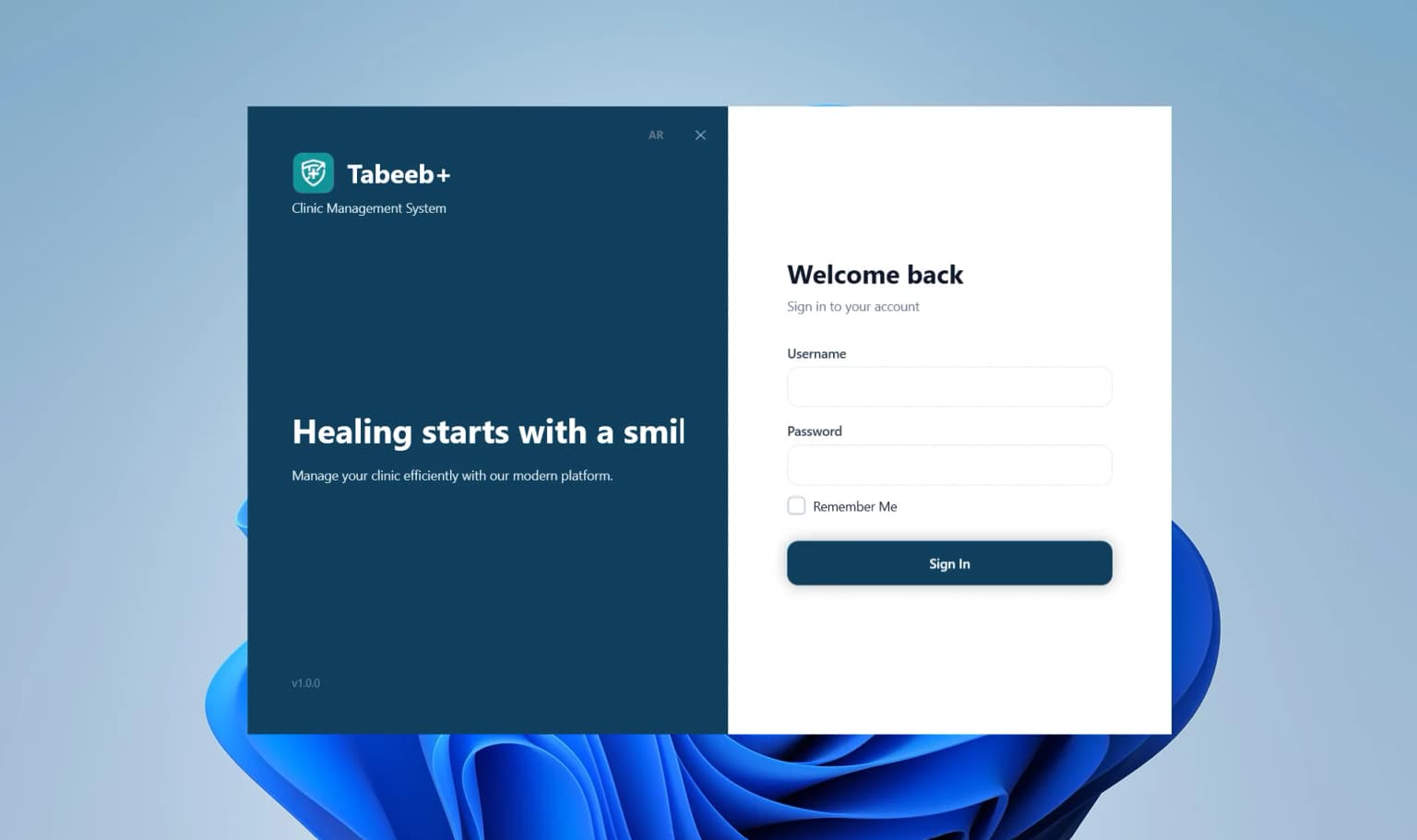
Secure User Login & Role Control
Role-based user validation ensuring safe and authorized access to pharmacy POS and ledgers.
Pharmacy Dashboard Console
Get a real-time overview of daily POS sales, expiring batches, and financial performance.

Shift & Daily Operations Log
Track pharmacist shifts, counter activity, and order statuses directly on screen.

Customer & Chronic Patient Directory
Instant lookup by name or phone number to locate customer medication history and credit balances.
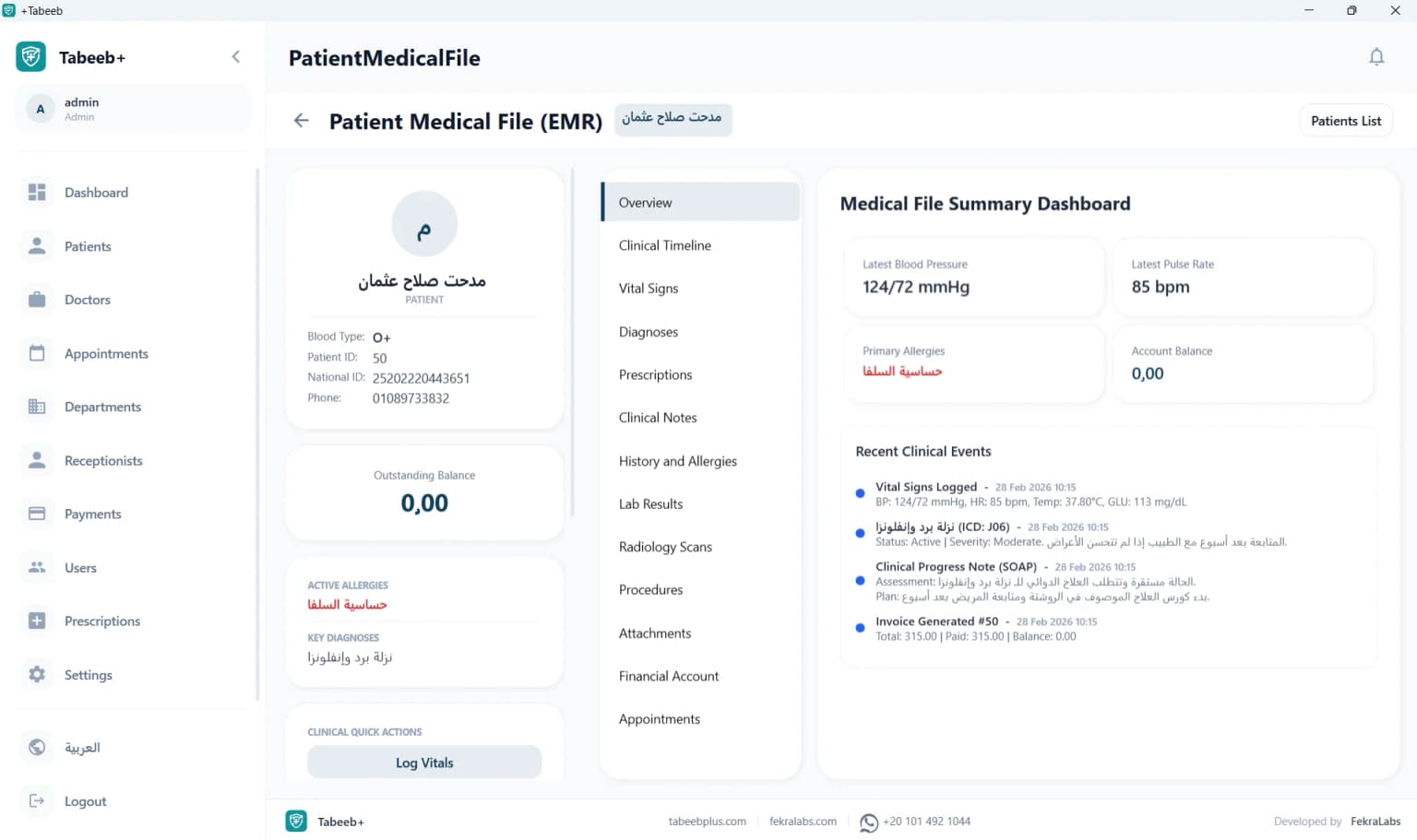
Medication History & Allergy Profile
Track dispensed medications, recorded drug allergies, and chronic refill schedules.
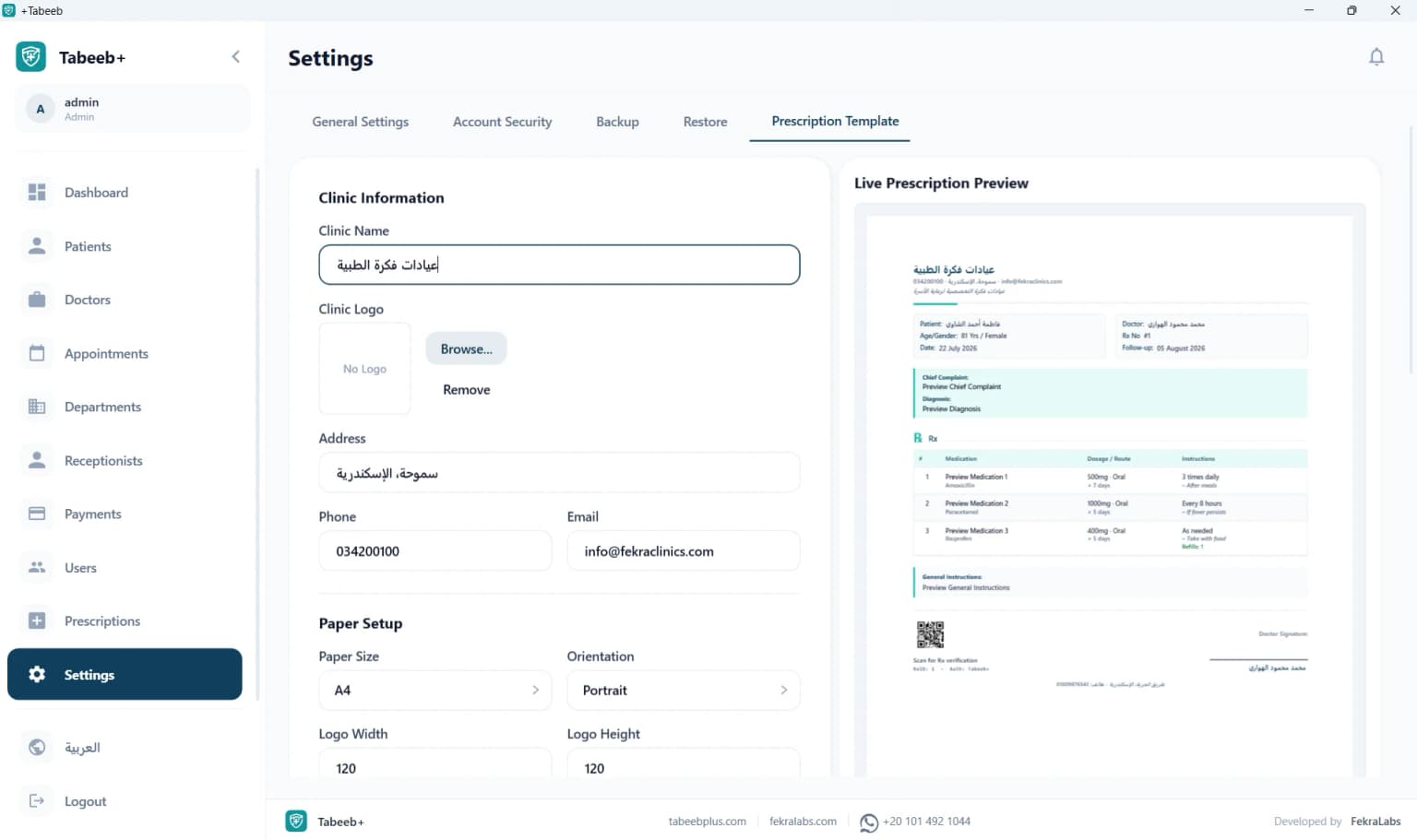
Receipt & Label Template Designer
Visually customize your pharmacy receipts and dosage instruction printouts with your branding.
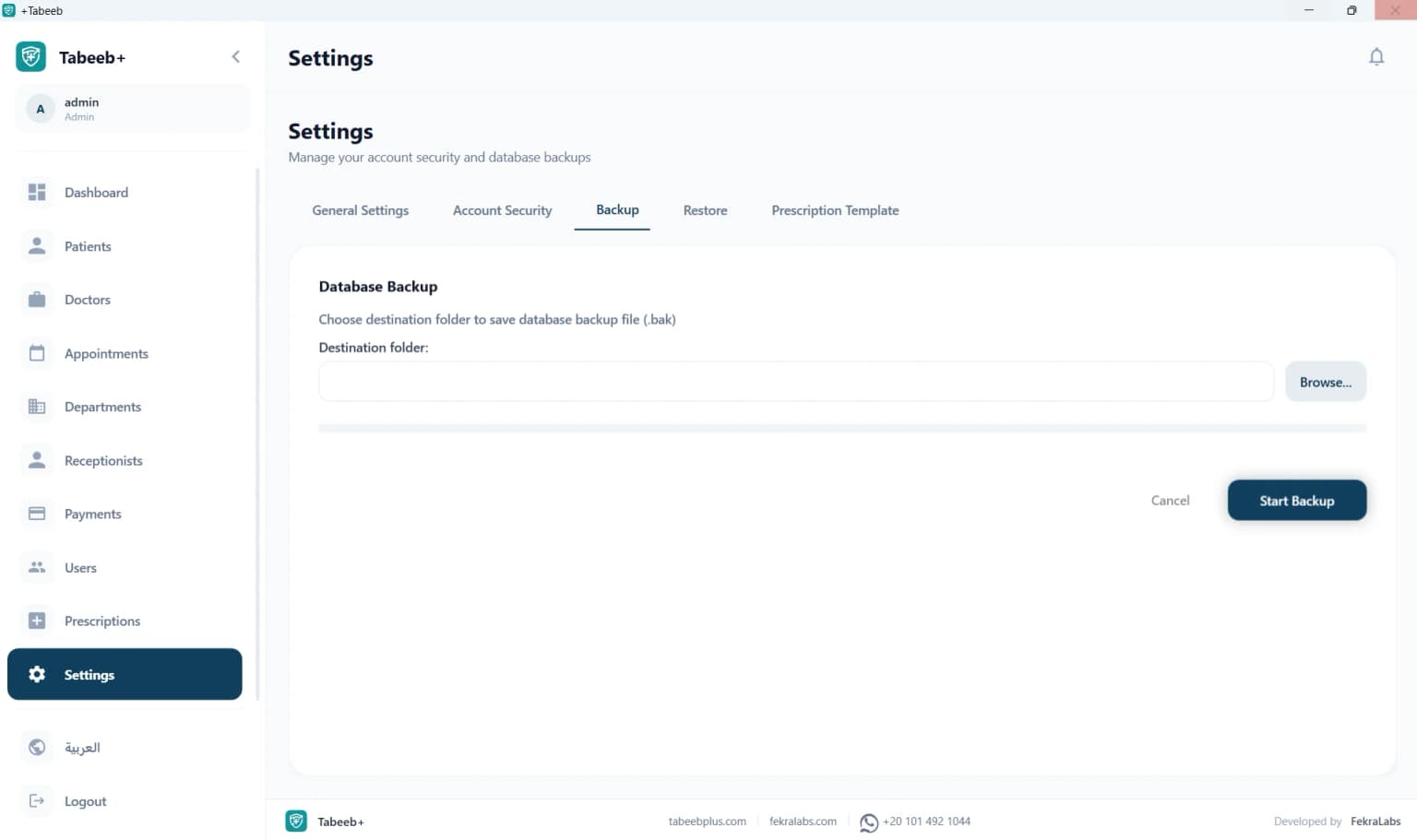
Data Backup & Security Console
Perform instant local database backups and restores to protect inventory and supplier ledgers.

Pharmacist & Cashier Staff Directory
Manage registered pharmacists, cashiers, shift assignments, and role-based access permissions.
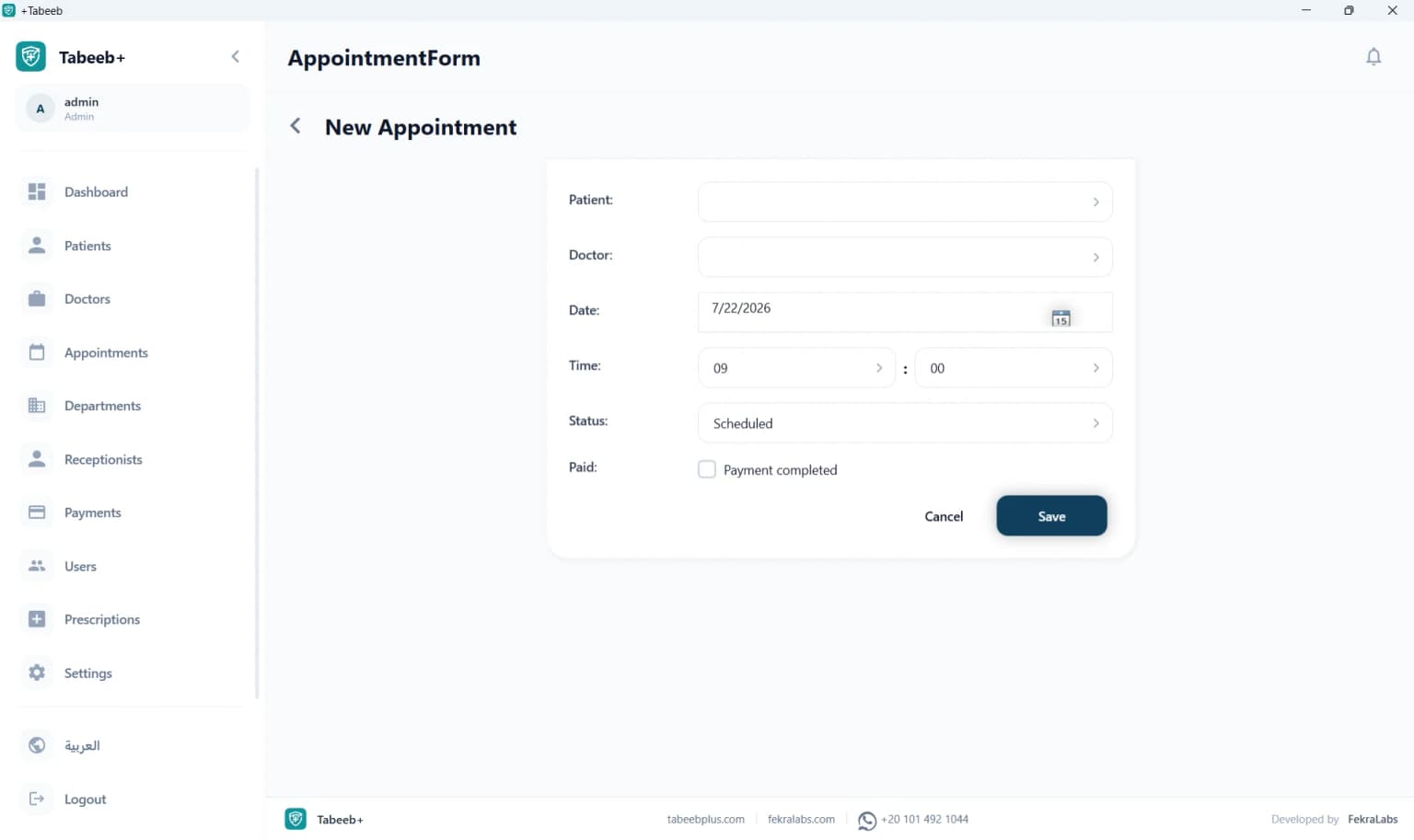
Refill & Delivery Scheduling
Easily schedule chronic medication refill reminders and supplier delivery appointments.
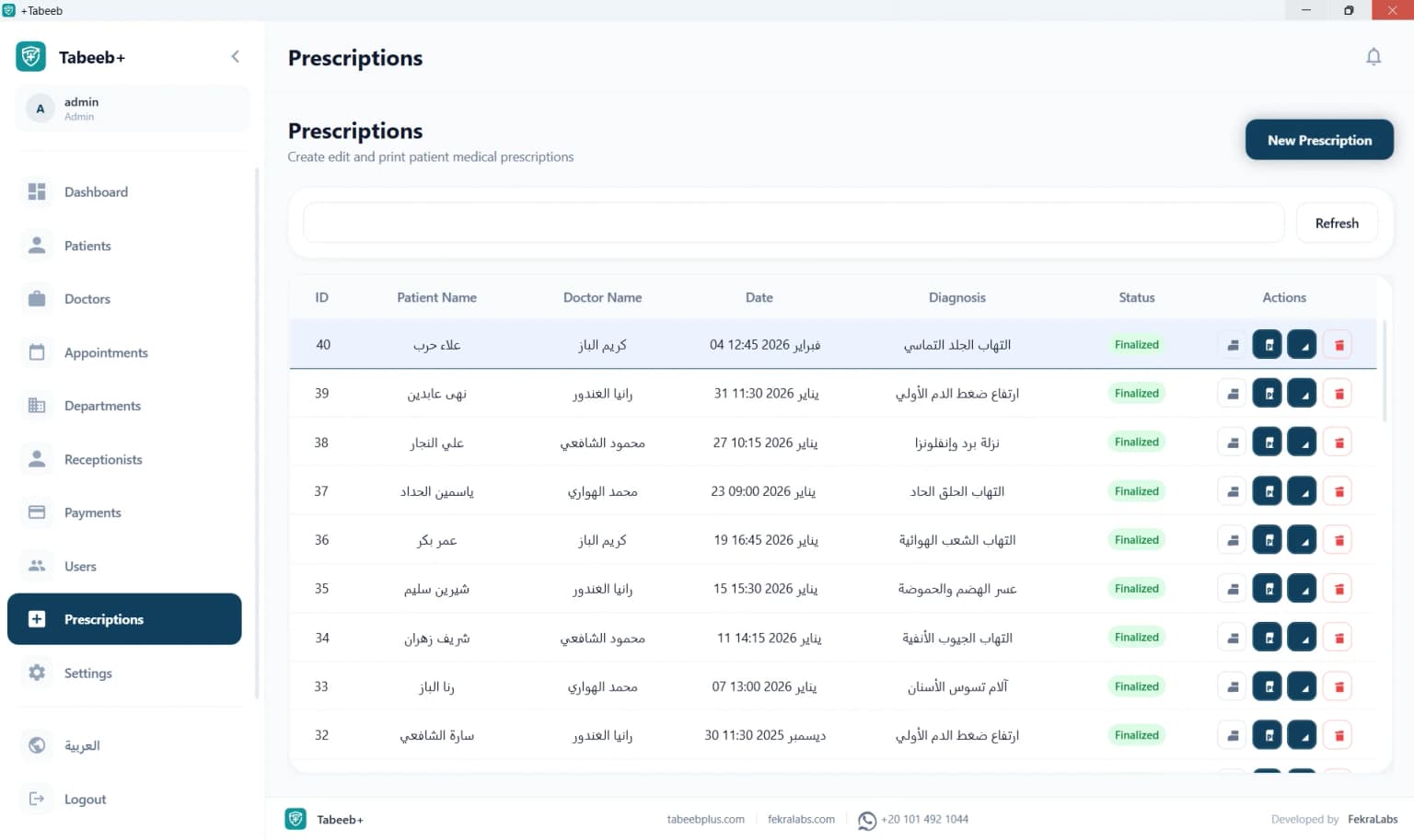
Dispensed Prescription Archive
Search, browse, and review historical dispensed prescriptions and medication logs.

Pharmacy Workspace Shell
A unified desktop layout featuring fast sidebar navigation across POS, inventory, and reports.
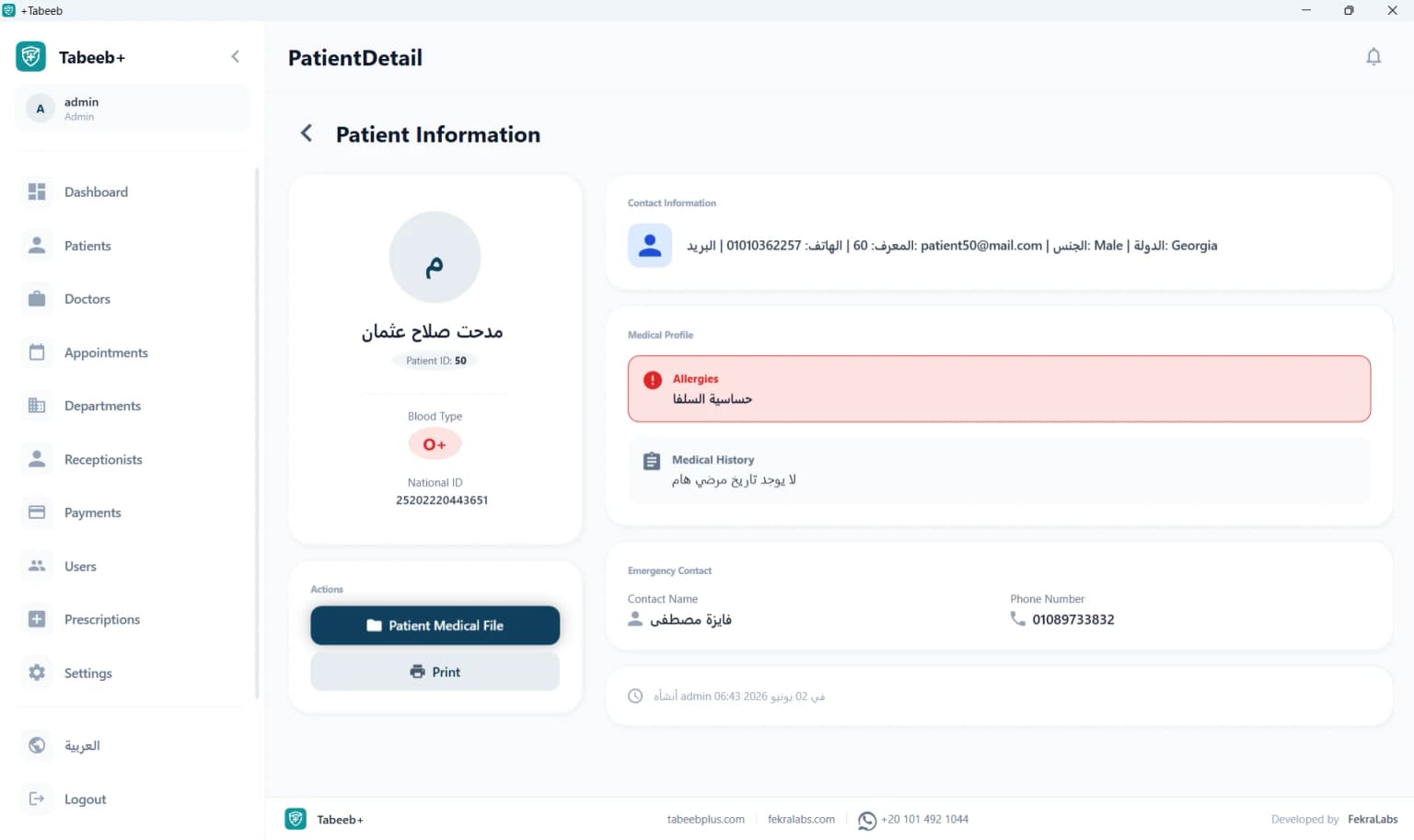
Customer Profile Console
Dedicated viewport for customer contact details, insurance info, and pharmacist notes.
Setup and Activation Video Walkthrough
A quick video walkthrough covering installation steps, local database initialization, and license activation.
Why choose PharmacyPlus for Clinic Appointment Scheduling?
Scheduler delays and crowded lobbies damage a medical practice's workflow and tire front-desk employees. PharmacyPlus Desktop App provides a fluid calendar setup that automates patient queue sequence and records visit check-ins locally on the receptionist's computer.
Being completely offline safeguards your schedule from connection dropouts. The scheduling system stays operational during general internet cuts, preserving patient records database writes and allowing medical receptionists to manage queues without lag.
Download PharmacyPlus Desktop Installer
Standalone Windows installer bundling the pharmacy POS/inventory application and local SQL database engine.
Need help configuring local SQL databases or ordering a lifetime activation key?
Chat on WhatsApp Supporte3b0c44298fc1c14...PC Requirements for PharmacyPlus
Minimum and recommended hardware specifications for fast local POS and inventory
💡 Setup Note: Run the installer as Administrator so SQL LocalDB runtime services can be initialized automatically.
PharmacyPlus Desktop FAQ Hub
Common questions regarding lifetime licenses, offline database operation, and barcode hardware setup.